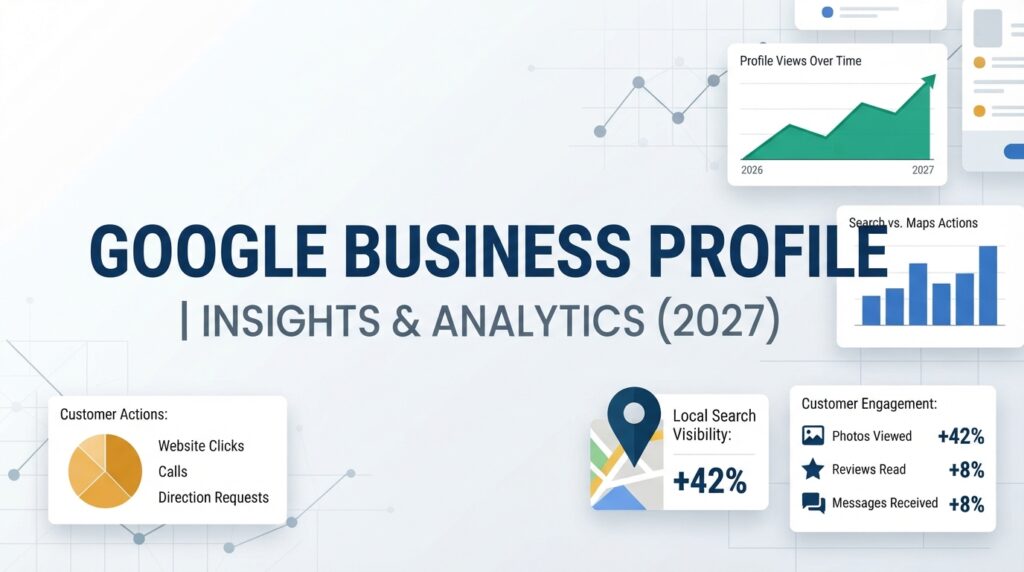
Discover how Google Business Profile insights & analytics help local businesses track views, calls, and leads to grow fast in 2027 with Bonjo Tech.
Google Business Profile insights help businesses understand how customers discover and interact with their profile. You can use this information to see actions such as searches, views, website visits, calls, and direction requests.
What Are Google Business Profile Insights & Analytics?
Picture having a sign inside your physical store. Even though you can watch people walk past your shop, it can be difficult to tell how many are looking at your shop, asking for directions, or trying to get in touch with you.
Google Business Profile Insights works like a smart digital assistant, giving you the precise details of how customers discovered your business and what they did after finding you online.
4 Main Benefits of Google Business Profile Services
Monitor Customer Calls and Visits: Find out how many people tapped to call your business, requested driving directions, or came directly to your website from Google Search and Maps.
Know Your Search Keywords: See the exact words and phrases local customers enter into Google when your business appears in search results.
Boost Your Local Search Ranking: Updating your profile regularly, using optimized photos, and keeping business details accurate show Google that your business is active, which helps you rank higher in local search results.
Convert Views Into Paying Customers: Insights reveal when your profile draws the most attention, so you can launch special offers and publish updates exactly when potential customers are browsing.
What Does Google Business Profile Do?
Google Business Profile is a free tool offered by Google to manage how businesses appear on Google Search and Google Maps. You can add your business name, location, contact details, opening times, images, services, and reviews, which makes it easy for customers to find and contact you.
Insights & Analytics
Search Keywords:
This will show you the exact terms and phrases people searched for on Google to find your business. This highlights what your customers are actually looking for, whether it be your brand, service or a certain type of product.
Profile Views:
Profile views indicate how frequently your business has appeared in Google Search and Google Maps. This reveals how visible your business is to potential customers, along with the breakdown by search/map and mobile/desktop. A drop in profile views could point to problems with your rankings, competitors or incomplete information.
Website Clicks:
Website clicks indicate how many people clicked the link on your profile to visit your website. This is a clear sign that customers are interested enough to find out more about you. It helps you gauge how effectively your profile converts browsers into potential buyers.
Call Metrics:
Calls tend to be high-intent leads, meaning this metric can be closely related to your revenue. Looking at the call data month on month will give you an idea of whether your marketing is resulting in actual customer inquiries.
Customer Direction Requests:
Direction requests will show you how many customers have requested directions to your location using Google Maps. It is one of the best ways to know real foot traffic, as they intend to visit your business.
Google Business Profile | Key Features & Services
Google Business Profile is a free tool that allows you to control how your business shows up in Google Search and Google Maps. You can add your business name, address, phone number, website, opening hours, categories and service areas. You can upload images and videos and give details about your products and services.
Keeping your profile accurate and up to date will help give your customers the right information to compare local businesses. It can help boost your local search visibility by giving Google more information about your business.
Initial Setup, Optimization, or Fixing a Suspension
We set up your profile correctly, optimize it to rank higher in local search, and fix or appeal any suspension to get your listing back online.
11 Common Mistakes to Avoid When Setting Up Your Listing
Setting up a Google Business Profile looks simple, but small errors can hurt your visibility, damage your credibility, or even get your listing suspended. Below are the most common mistakes:
1. Using an Inconsistent Business Name, Address, or Phone Number (NAP)
2. Keyword Stuffing in the Business Name
3. Choosing the Wrong Primary Category
4. Using a Virtual Office or PO Box Address
5. Skipping or Failing Verification
6. Incomplete Profile Information
7. Poor-Quality or Missing Photos
8. Ignoring Customer Reviews
9. Creating Duplicate Listings
10. Setting Incorrect Business Hours
11. Not Adding Services, Products, or Descriptions
FAQs
1. How do I get started with Bonjo Tech?
Simply contact Bonjo Tech to discuss your business goals, target audience, and budget. We’ll review your needs and recommend a digital marketing strategy that fits your business.
2. How can I improve my Google Business Profile ranking?
Keep your business information accurate and complete, choose the right business category, add relevant services and photos, respond to reviews, and keep your profile active. Local SEO also plays an important role in improving visibility.
3. How do I know which digital marketing service is right for my business?
It depends on your goals. SEO supports long-term organic growth, paid ads can generate traffic and leads quickly, social media builds awareness, content marketing builds trust, and video marketing increases engagement. Bonjo Tech can help you choose the right combination.
4. Can Bonjo Tech work with a small marketing budget?
Yes. We can create a focused strategy around your available budget. Starting with a few high-priority services can help you test results before expanding your marketing efforts.
5. Will Bonjo Tech provide reports on my marketing performance?
Yes. We track relevant performance metrics such as traffic, leads, clicks, conversions, and campaign results. Clear reporting helps you understand what is working and where your marketing budget is being used.